All
Benefits & Features of Offline POS Software for Small Business
August 16, 202510 min read


Temporary internet outages can freeze revenue for small businesses. In fact, U.S. SMBs alone lose an estimated $40 billion every year to internet outages. In 2020, 31% of companies reported outages that resulted in over $1.2 million in lost business.
To avoid this hazard, many retailers use offline POS software. These systems allow stores to continue selling by making payments and holding data on their local machines.
In this article, you’ll learn about offline POS mode, its pros and cons, and how small businesses can use it to continue to serve customers under all conditions.
What is Offline Mode in POS Systems?
Offline mode is really a backup operating mode for POS (point-of-sale) systems. When the internet goes down, the POS reverts to offline mode, continuing to run core functions on the local machine.
A POS can continue to work even when there is no internet connection available, storing all sales, inventory updates, and customer information on the machine itself.
In practice, that means being able to process sales transactions, print receipts, apply discounts, count inventory, and capture customer information uninterrupted. It is all stored locally initially and then syncs automatically with the cloud or central server when the connection returns.
Basically, offline mode enables a store to operate “business as usual” in the event of a loss of connectivity. This prevents lost sales and ensures seamless operations until full connectivity returns.
Are There POS Systems With an Offline Mode?
Yes, offline mode is included in most modern POS systems.
For example, cloud-based POS systems, in normal circumstances, rely on ongoing internet sync. Yet with offline mode, they are capable of still attaching customer transactions and storing payments on the hard drive when offline. SapientPro's offline POS for Magento 2 supports offline transactions by saving information locally until a connection is restored.
However, traditional on-premise POS systems (those installed on a local server or PC) inherently work offline by design. NCR Counterpoint and QuickBooks POS desktop version, for instance, have absolutely no internet dependency and thus are fully offline-capable.
Even mobile POS (mPOS) devices like smartphones or tablets also often possess offline capability. More recent mPOS offerings enable merchants to sell at markets, fairs, or delivery routes without any Wi-Fi.
Benefits of Offline POS Software
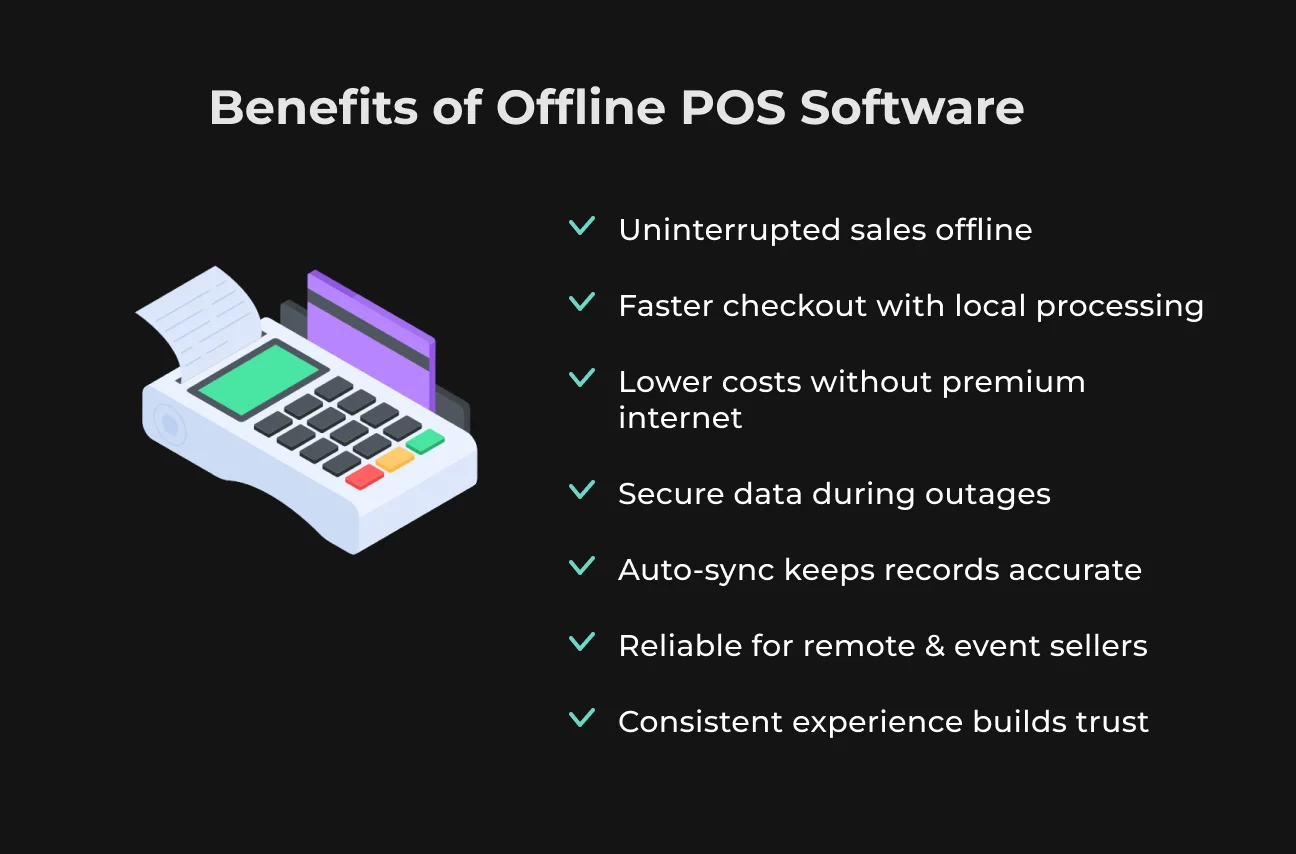
Offline POS software for small businesses provides the following benefits.
Uninterrupted Sales During Internet Outages
Perhaps the biggest advantage is that your cash register never has to close. If Wi-Fi is lost, an offline POS enables you to keep ringing up sales and accepting payments. That is, you will not lose sales due to downtime.
For example, a shop or mobile food vendor can continue to take credit cards and cash without costly interruptions.
Faster Checkout with Local Processing
When your POS performs pricing and credit card authorization locally, transactions are completed faster. By avoiding the need to ping a remote server on every barcode scan or card swipe, the system responds with a very snappy feel. Faster processing translates to shorter lines and happier customers.
On-device computing is the reason for this boost in performance. POS systems that use edge computing reduce latency significantly and provide seamless checkouts even when the internet connection is slow. That is, edge computing enables sales to be processed quickly and reliably in-store.
The net result is a quicker checkout than a purely cloud-based system, especially in busy stores.
Lower Operating Costs Without Premium Connectivity
Offline POS can be cost-saving. You don't need to pay for expensive business-class internet or 4G backup continuously, since critical operations can be performed on the local network and device.
Offline POS systems are more cost-effective and affordable compared to virtual POS systems since they do not need constant connectivity or cloud-storage costs.
Typically, there is just one hardware and software fee. For cost-conscious SMBs, not having high monthly internet charges improves the bottom line.
Enhanced Data Security During Outages
With offline capability, confidential customer data stays on-premise instead of traveling over the internet. Payment data (e.g., credit card data) is encrypted and stored locally until processing, instead of being transmitted continuously. This effectively reduces the risk of interception or hacks during an outage.
Offline POS solutions typically have strong security measures (encryption, secure storage) in place specifically for this reason. Indeed, since data isn't transmitted across the network, your business is secured from most cyber threats during downtime.
Automatic Sync Ensures Accurate Records Once Online
When the connection is restored, all offline transactions, inventory changes, and customer updates automatically sync up. Modern POS systems queue data (sales, returns, inventory adjustments) while offline and then sync securely to the cloud once back online. This keeps your records complete and consistent.
Automated reconciliation rules prevent double-counting or stock errors.
For example, if two cashiers sell the same final piece of stock while offline, a solid POS system will use timestamps or server rules to properly reconcile stock levels next time they sync. Practically speaking, this means you can trust reports, inventories, and accounting to catch up when connectivity is restored.
Reliable Performance for Remote, Mobile & Event Sellers
Offline POS is a lifesaver for merchants on the move. Sellers at events, flea markets, or food trucks tend to have weak or no Wi-Fi coverage. Offline-enabled POS lets them accept orders and payments anywhere.
Even field service workers (delivery drivers, home repairmen, or pop-up shop owners) can keep selling in the countryside where connectivity is weak.
Consistent Customer Experience & Brand Trust
When sales go off without a hitch, customers take notice. An offline POS saves the embarrassing “Sorry, we can't check you out right now” moment during downtime. Customers enjoy the same quick, simple checkout experience every time.
In addition, offline mode still supports promotions and loyalty programs. Even without a network, loyalty points or gift cards can be applied at the time of sale and synced later, so customers aren't penalized by connectivity issues.
Challenges in Offline POS Software
Offline operation solves many problems, but it also introduces new challenges that businesses must manage. This is especially important for those who develop custom POS.
Sync Conflicts and Reconciliation Rules
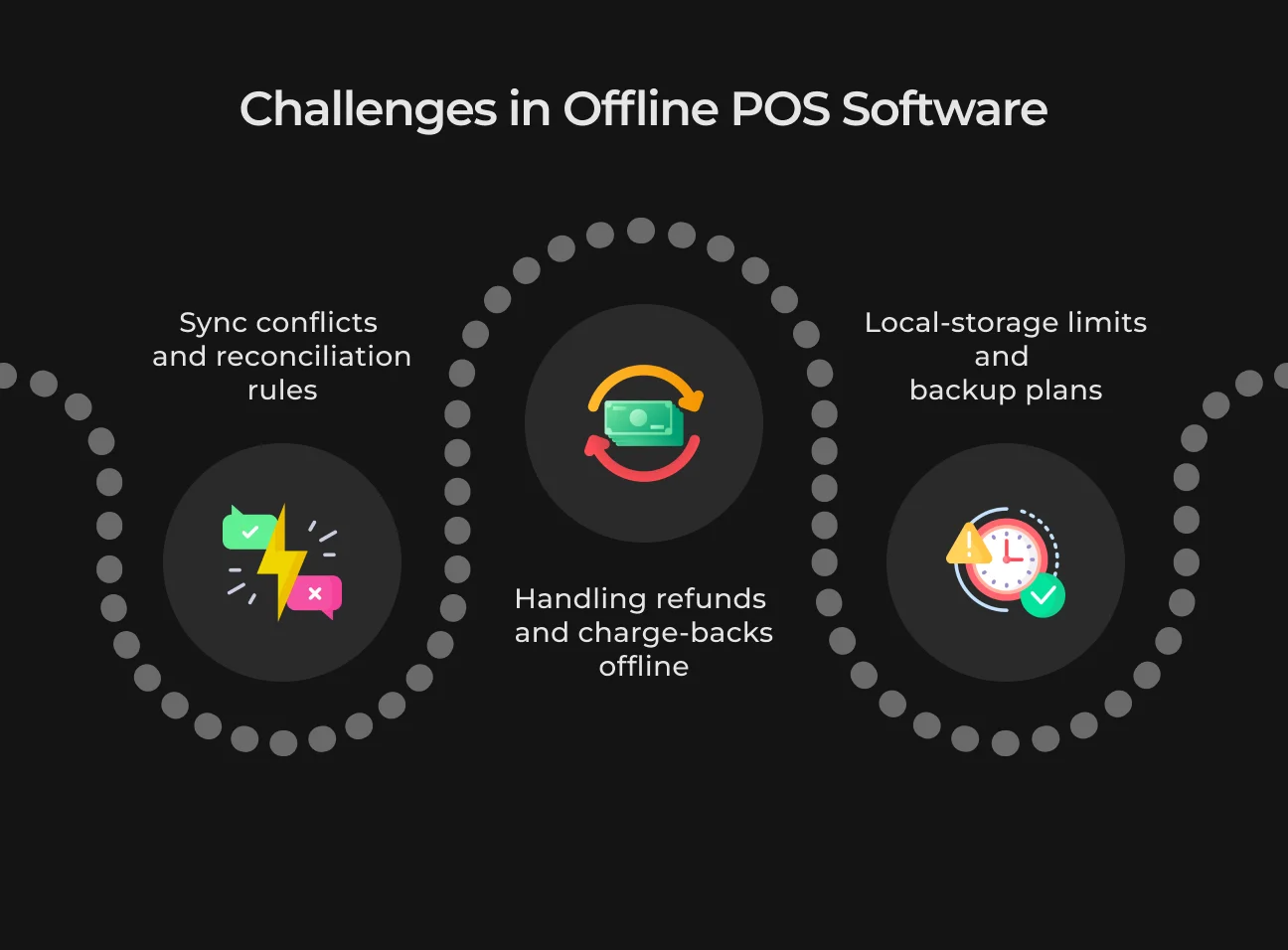
When many devices sync offline, there's a risk of conflicting updates (two registers selling the last item simultaneously). To manage this, POS systems use reconciliation rules: timestamps, device priorities, or manual validation.
For example, a rule automatically assigns stock to the first synced transaction or flags conflicts for an employee to fix. The trick is to have a conflict-resolution policy established ahead of time. Most applications allow you to specify that the last write or specific devices (like a headquarters server) always win.
SapientPro's POS and similar free offline POS software have built-in tools to sync offline data regularly upon reconnect. Quality offline POS software for small businesses keeps a log of everything that occurs and uses those logs to reconcile peaceably, so your reports don't get skewed.
Handling Refunds and Chargebacks Offline
Refunding or returning offline is not possible. Most payment networks do not support full refunds when offline. You can issue a refund by manually keying it in, but you can’t link it to the original offline transaction until you go online.
You should minimize performing refunds only offline. It is best if staff do refunds when the POS is online so that the system will automatically settle them.
If a refund must be performed offline, the POS will need to cache it locally and charge it back once the internet returns, maybe having staff match it against the original sale.
Local-Storage Limits and Backup Plans
Storing all data locally may take its toll on a device's memory if offline for a very long time. High-volume stores or very long outages may clog the storage or battery.
To avoid this, periodically sync online (even offline using a cell phone hotspot) to purge the backlog when permitted. Provide devices with adequate storage or SD expansion.
Certain POS setups allow external hard drives or cloud synchronization in the event of minimal connectivity. Having battery backups (UPS) to keep running the POS during power flickers is also advisable.
As a last resort, the POS can restrict new sales once storage is almost full and initiate a sync. We recommend planning ahead for these things, like setting an alert when offline sales hit 24 hours or scheduling midday Wi-Fi checks. This ensures you never overburden the system.
Discover SapientPro's POS for Magento 2
You'll get all necessary features for your point-of-sale with custom solutions on demand.
Offline POS Software Use Cases for Small Business
Offline POS is ideal for areas with unreliable or intermittent connectivity.
Food Trucks, Farmers Markets & Pop-Ups
A food truck or market stand is likely to have no fixed internet. Offline POS mode enables vendors to receive orders and process payments on-site. These types of businesses maximize uptime and profitability by being operational outdoors.
Brick-and-Mortar Boutiques with Poor Wi-Fi
Some shops (e.g., in historic buildings or rural areas) have poor internet. An offline POS ensures customers at checkout aren’t stuck waiting for the network. Staff can process transactions against cached data. The sale synchronizes later, but the customer flow is not interrupted. For example, a small shop occupying a historic brick building can keep selling when there is any Wi-Fi failure without losing money or shoppers.
Field-Service or Home-Delivery Operators
Store Wi-Fi cannot rely on service providers who work onsite to service customers (electricians, plumbers, catering, etc.). Offline mPOS devices enable these staff members to collect payment at the customer's door. Even in a signal-less remote house, the technician can swipe a card with assurance that the payment will go through once they are back online. This turns what could have been a lost sale into closed business, because regardless of where you go, your POS goes too.
Future Trends in Offline POS Software
Here are the main trends our team observes among offline POS software for small businesses.
Edge Computing Boosts POS Speed
90% of retail tools are expected to have some form of AI embedded by 2030. POS hardware is also becoming increasingly capable on its own. Edge computing (local processing at the “edge” of the network) is on the rise. By running analytic algorithms and transaction logic on-device, systems avoid latency and reduce cloud dependency.
In practice, that means POS checking inventory, executing promotions, and approving payments locally in some cases, so checkout is essentially instantaneous.
AI-Driven Inventory Forecasting Offline
A survey by the Council of Supply Chain Management Professionals revealed that 75% of retailers experienced significant negative impacts from inventory management issues within their supply chains. That’s why future point-of-sale systems will have AI integrated for inventory management.
They are expected to use AI to scan on-device sales history and predict demand, even without a live Internet connection. For example, an offline-capable POS can automatically restock inventory based on local patterns of purchase understood by AI algorithms.
Incorporating AI features natively in the register makes even standalone stores smarter with each transaction. They can avoid overstocking and stockouts by using local intelligence.
Loyalty & CRM Features that Work Offline
New POS platforms are enabling loyalty rewards, gift cards, and customer profiles to be synced on the device when out of range. In the future, loyalty programs will reward points, redeem coupons, and record CRM notes in the cash register itself, syncing afterward to the cloud. It enables a store to capture a customer's loyalty card swipe or reward without waiting for connectivity.
Get SapientPro’s Offline POS for Magento 2 Today
SapientPro's Magento 2 Offline POS solution is designed for retailers who require the highest reliability. You’ll get online and offline sales with real-time inventory sync, unlimited cashier support, and automatic inventory management. And there’s more!
Key features of SapientPro's POS Terminal for Magento 2 are:
- Real-time inventory sync;
- Unlimited cashiers;
- Barcode scanning & printing;
- Flexible payments;
- Customer management;
- Customizable receipts.
Contact our experts today to get a free demo for your business.
Try SapientPro's POS for Your Business
Our Magento 2 POS solution has offline capabilities and all necessary features for retail & commerce.