All E-Commerce Migration Guide: How to Replatform Your Solution
January 23, 202615 min read


To remain competitive, businesses heavily depend on their ecommerce platforms. These platforms are a must for reaching customers and can often drive success. They can help you create the digital experiences customers want, but if they're outdated, they could hold back your growth.
Since customer needs, markets, and products are always changing, ecommerce platforms must constantly adapt.
Moving to a new platform can be a strategic choice or a necessity to meet business demands, especially when companies expand. Basically, 41% of brands and retailers are upgrading their ecommerce platforms to compete with companies like Amazon, Walmart, Shein, and Temu.
In this ecommerce migration guide, SapientPro’s team gives clear advice to help you decide when and how to migrate an e-commerce website.
Key Takeaways
- Ecommerce replatforming involves moving product data, design features, customer info, and other key parts to a new platform;
- Businesses usually replatform when they need to upgrade old systems, improve performance, or add new features;
- If your systems are inflexible or you're losing revenue because they can't scale well, it might be time to switch to an ecommerce platform;
What is E-Commerce Migration & Replatforming?
Replatforming ecommerce involves switching an online store to a new platform. This process includes moving product details, design features, customer data, and other key elements. Businesses typically replatform to update outdated systems, boost performance, add new features, or encourage growth.
For example, a company might choose to migrate to a new platform for reasons like:
- Boost website speed and performance;
- Explore new business models and infrastructure;
- Add features not currently available;
- Enhance the customer experience with localization or personalization.
Just 14% of businesses surveyed said they were actually happy with their current platforms. However, ecommerce replatforming is a change for any business, so leaders should be cautious. They need to explore their options, think about costs now and in the future, and plan strategically for the transition.
5 Reasons to Migrate Your E-Commerce Solution
How do you know it's time to upgrade your ecommerce platform? Let’s say, if you're dealing with inflexible systems or missing out on revenue due to poor scalability, it could be a sign to switch to a composable commerce platform.
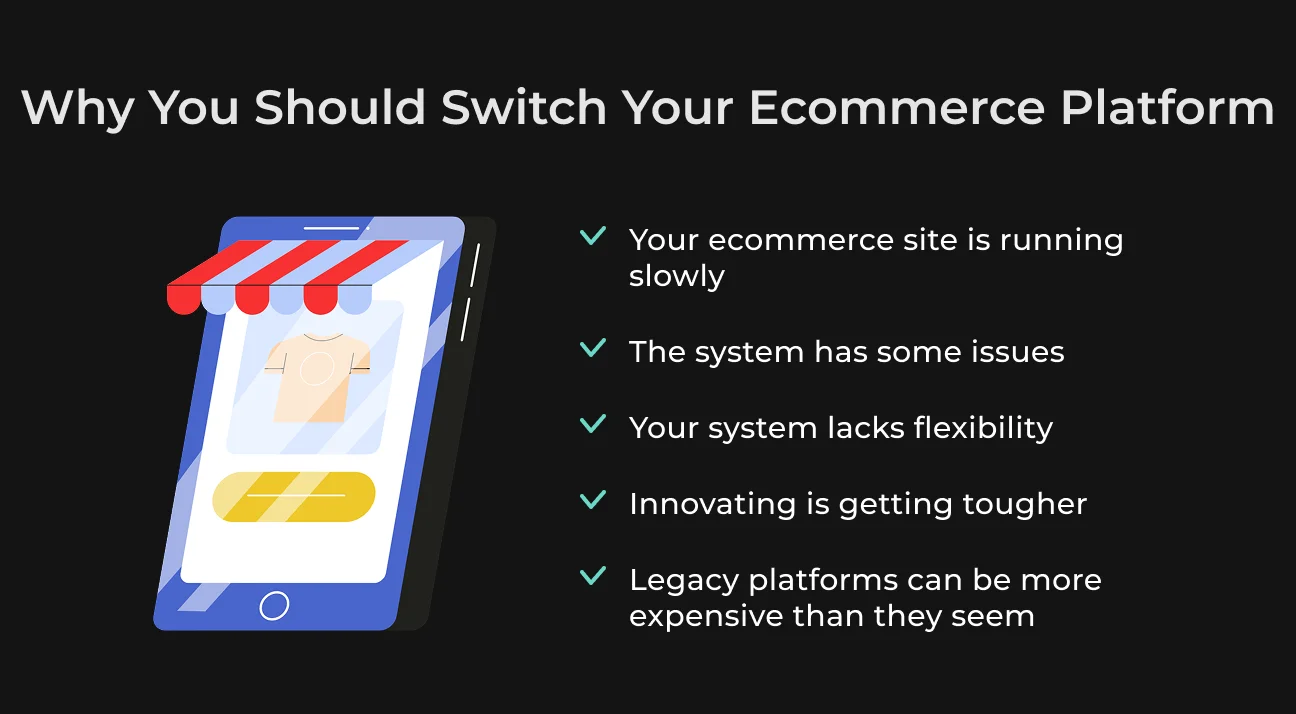
Here's a checklist to help find weaknesses in your current solution:
- Your ecommerce website is running slowly. Most consumers (about 70%) say how fast a page loads affects their purchasing decisions. If your site is sluggish, then consider moving to a faster platform;
- The system has some issues. Your current system might have trouble updating smoothly without interruptions. Also, it might not have features like omnichannel support, which makes it difficult to provide a seamless customer experience across different channels;
- Your system lacks flexibility. If your system makes it hard to add new features or update easily, it may be the right time for a change.
- Innovating is getting tougher. Single-piece platforms make developers spend lots of time on maintenance and fixing bugs. They are hard to customize and update, making it difficult for companies to adapt to market changes and meet consumer demands;
- Legacy platforms can be more expensive than they seem. In addition to licensing and integration fees, you'll also need to cover the costs of upgrades, maintenance, and technical debt. Over time, these can add up and make the total cost of owning a platform more than you'd expect.
Types of Ecommerce Migration
There are three main types of ecommerce platforms, and each has its own advantages and disadvantages. Whatever your choice is, it will impact your costs, maintenance, and growth.
SaaS
SaaS ecommerce platforms are subscription-based services run by an outside company. By 2032, the global market for these services is expected to reach $14.7 billion.
These ready-made solutions are especially appealing for online stores that are growing and need an easy and reliable system. They can save money over time, as the provider takes care of technical issues, downtime, and security.
On-premise
On-premise ecommerce platforms use a company's own resources and servers. They're ideal for teams with good technical skills. The company takes over performance, backups, security, uptime, and scalability.
Cloud
Cloud ecommerce platforms blend features of both SaaS and on-premise systems, operating on an IaaS model. This lets businesses host their online stores in the cloud using services like Amazon Web Services or Microsoft Azure.
Even though these platforms use storage and hardware from other providers, they still manage the platform's development and maintenance on their own.
Key Challenges When Migrating Your E-Commerce Store
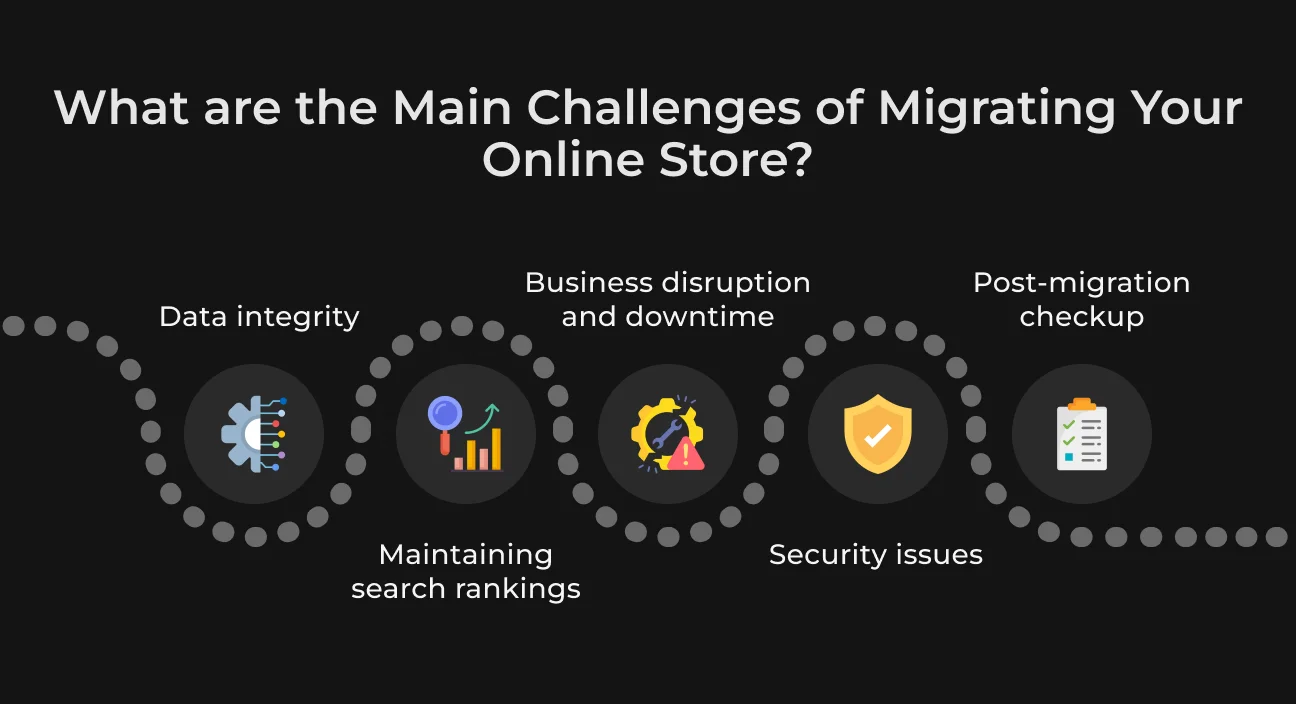
Switching your ecommerce store to a new platform is worthwhile, but it can be challenging and requires careful planning. Let's look at some common issues you might experience during this transition.
Data Integrity
When moving an ecommerce platform, you must make sure all data, like customer profiles, sales history, and product listings, transfers correctly without loss. If not, you could end up with incorrect prices, missing products, or issues with customer accounts, which could harm your business.
You should conduct a thorough review of your data before moving it to figure out what's needed.
Maintaining Search Rankings
Any changes to your website's structure or URLs might impact SEO and reduce organic traffic. To protect key SEO elements like meta descriptions, URLs, and site structure during a move, it's important to plan carefully.
You can create 301 redirects for all existing URLs to keep their link value. Also, make sure meta tags, headers, and alt texts are transferred correctly and optimized.
Business Disruption and Downtime
Migrating a website can cause downtime, which negatively affects sales and customer experience. If the downtime lasts too long, it could harm the brand's reputation and lead to lost revenue.
Try to schedule migrations during quieter times to reduce the effect on customers, and whenever possible, use a phased approach. Just transfer and test sections step by step.
Security Issues
To effectively protect both user and business data, it's important to create algorithms and authentication layers. This helps stop data breaches, identity theft, revenue loss, and other issues. It's also vital to secure the login system with strong protections.
Post-Migration Checkup
After ecommerce site migration, you should regularly check your site for bugs, broken links, or other issues and fix these quickly to keep customer experience smooth. If you ignore this period, you might lose sales, upset customers, and harm your reputation.
E-Commerce Platform Migration Checklist for 2025
SapientPro's experts have created a detailed checklist to help you migrate your ecommerce website with less risk and fewer disruptions.
Migration stage | Requirements |
| #1 Pre-migration planning |
|
| #2 Data migration |
|
| #3 SEO and URL structure |
|
| #4 Design and user experience |
|
| #5 Testing and quality assurance |
|
| #6 Post-migration tasks |
|
Partner with SapientPro to Migrate Your E-Commerce Solution
At SapientPro, our expert tech team builds ecommerce websites and apps that improve user engagement, include omnichannel marketing, and increase sales. We carefully plan every step of the development process, set clear milestones, and provide estimates.
This ensures you get a scalable, custom solution for your business.
Here are some of our e-commerce solutions:
- Magento 2 POS Terminal Development;
- AI Assistant for Easier Online Shopping;
- Crypto Marketplace for Steam Trading;
- CRM Development and Migration for Sprinkle.
Contact us to get a detailed estimate and create a leading solution for your market.
Migrate to a Better Platform with SapientPro
We'll help you re-platform without losing traffic and customers.