All
E-Commerce Website Redesign Guide & Checklist
July 31, 202610 min read


Your online store is your first impression. If it hasn't been updated in years, you could be losing customers because of it. US retail m-commerce sales are projected to reach $768.28 billion in 2026, with mobile devices driving close to half of all US e-commerce sales, according to Insider Intelligence.
An outdated or non-mobile-friendly site can hurt your business more than you realize.
SapientPro is a website redesign company working across industries. In this guide, we'll cover when to consider an e-commerce website redesign, walk through a website redesign checklist, and break down website redesign cost by project scope.
Key Takeaways
- stale e-commerce website design undermines credibility.
- A user-centered e-commerce redesign pays off, as shown by ESPN's 35% profit increase after redesigning its homepage based on user feedback.
- A well-done redesign can lead to higher conversion rates, better customer retention, stronger search rankings, and better branding.
- Aim for a clean, simple homepage, effortless navigation with easily discoverable filters, and simple-to-use product option selectors (no sneaky dropdowns).
- Website redesign costs in 2026 can range from a few thousand dollars to $50,000+.
When to Redesign Your E-Commerce Website?
If your online store shows any of these signs, it's time to redesign. Here are the strongest indicators.
1. Reduced Sales
If conversions or sales are slipping, the usability and design of your website could be a culprit. A cumbersome interface or difficult-to-navigate design will frighten off consumers. Redesign can fix usability issues, speed up the site, and refocus the customer experience on conversions.
2. Wrong Target Audience
Your website might be getting visitors, but not necessarily the right ones. If your content, design, or branding no longer resonates with your target audience, it's time to realign. The goal is a site that speaks your audience's language and converts them into buyers.
3. Outdated Design
38% of people judge a website by its page layout and navigation on their first visit, and 42% would leave a site entirely because of poor functionality. Accessible e-commerce design isn't optional.
An old look isn't just cosmetic. It often means poor navigation, clutter, or non-intuitive interfaces, and these issues frustrate users. They'd rather leave than struggle with an outdated site. Credibility suffers too: consumers trust modern, professional-looking sites.
4. Not Mobile Friendly
Pull up your website on your phone and look closely. If it's not properly mobile-responsive, you're turning away a large share of customers, whether that means pinch-zooming, tiny text, or broken layouts.
5. Technical Limitations
Sometimes the reason to redesign has less to do with appearance and more to do with the technology underneath. Maybe your site runs on outdated software that's slow, unstable, or hard to update. Technical constraints hold your business back. If you can't easily add features like live chat, a personalization engine, or more payment gateways, you're likely losing sales.
E-Commerce Website Redesign Benefits
Let’s break down how e-commerce website redesign benefits impact your business.
1. Higher Conversion Rate
Even small UX improvements translate into more conversions.
ESPN.com saw a 35% increase in profit after listening to user feedback and redesigning its homepage. A modern redesign usually means more prominent calls-to-action, more user-friendly menus, and more engaging product imagery, all of which guide users toward a purchase.
2. Returning Customers
Winning a sale is great. Getting that customer to return is even better. A redesign can build in features that improve retention:
- Personalized product recommendations;
- Integration with loyalty schemes;
- An easier-to-use account dashboard.
Customers who enjoy shopping on your site come back.
3. Improved Position in Search Engines
E-commerce website design and SEO go hand in hand. A redesign gives you the chance to make your site search-engine friendly in ways your existing site can't.
Newer designs are leaner and faster, and page speed is a confirmed Google ranking factor. New site architecture also makes SEO easier: a logical page hierarchy, clean URLs, consistent metadata, and faster crawl paths.
When redesigning, you'll need to preserve or improve your existing SEO. That means mapping old URLs to new ones and setting up 301 redirects so you don't lose the SEO juice you've built up. Done correctly, a redesign boosts organic traffic.
Turn Your Site Into a Salesperson
Partner with SapientPro to redesign an online store built to convert browsers into buyers.

7 Tips for Your E-Commerce Website Redesign
These 7 crucial tips will guide your work and result in a successful outcome.
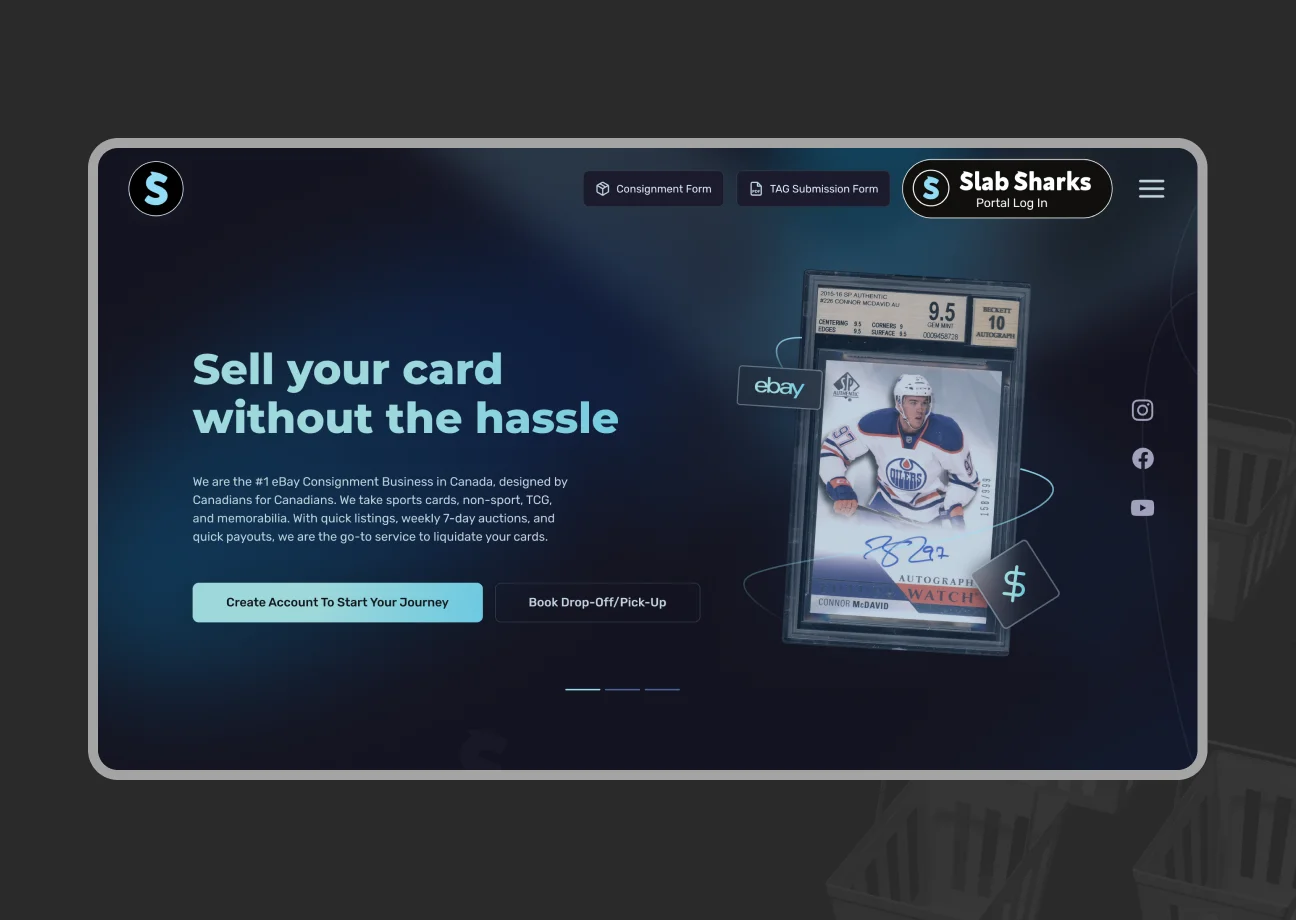
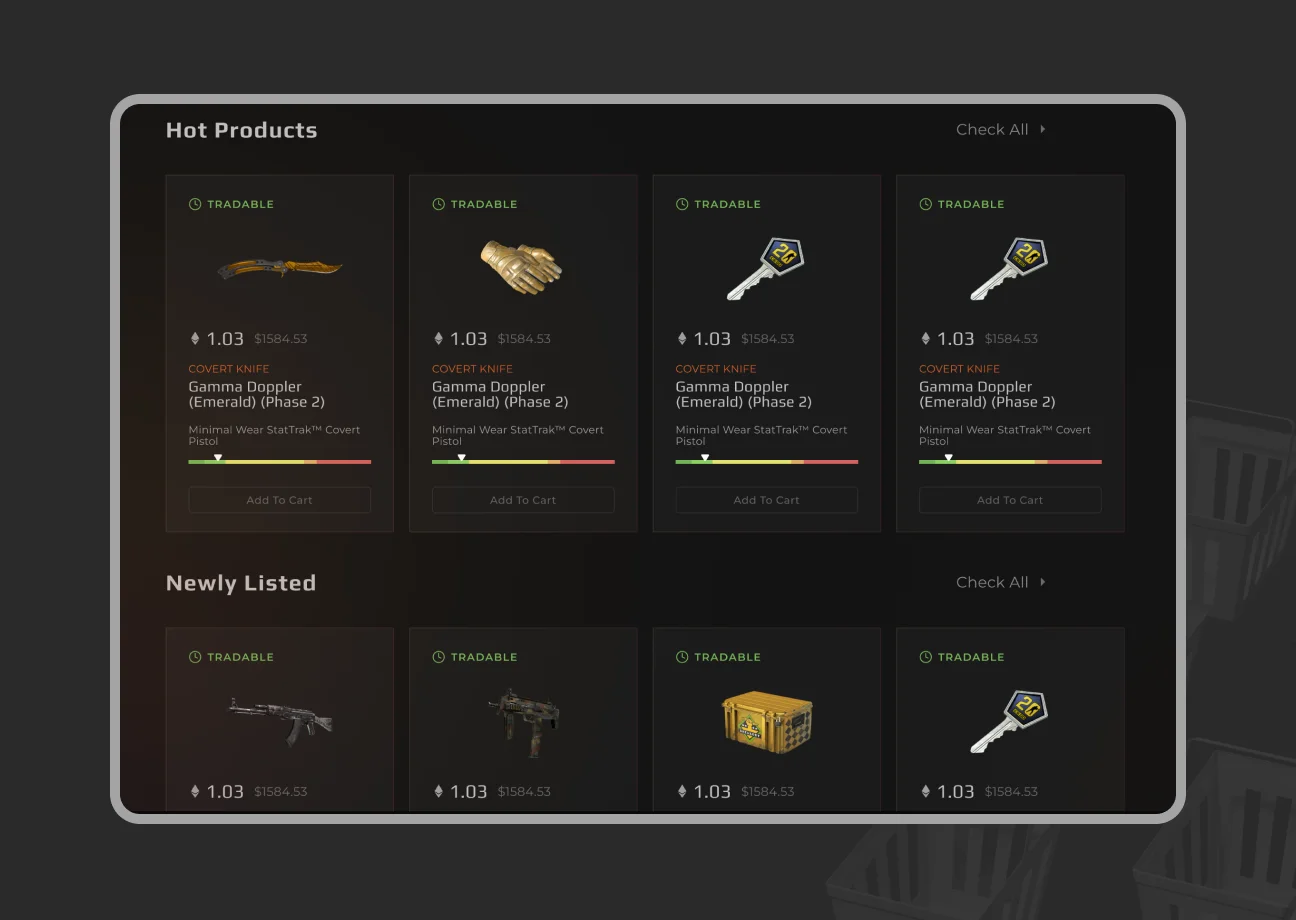
1. Keep a Simple Homepage
Less is more on your homepage. Most e-commerce sites try to place everything there. Don't. A cluttered homepage will lose visitors before they click anything. Simple, intuitive sites keep people on the page longer and pull them deeper into the site. That's what you want.
2. Make Filters Easily Accessible
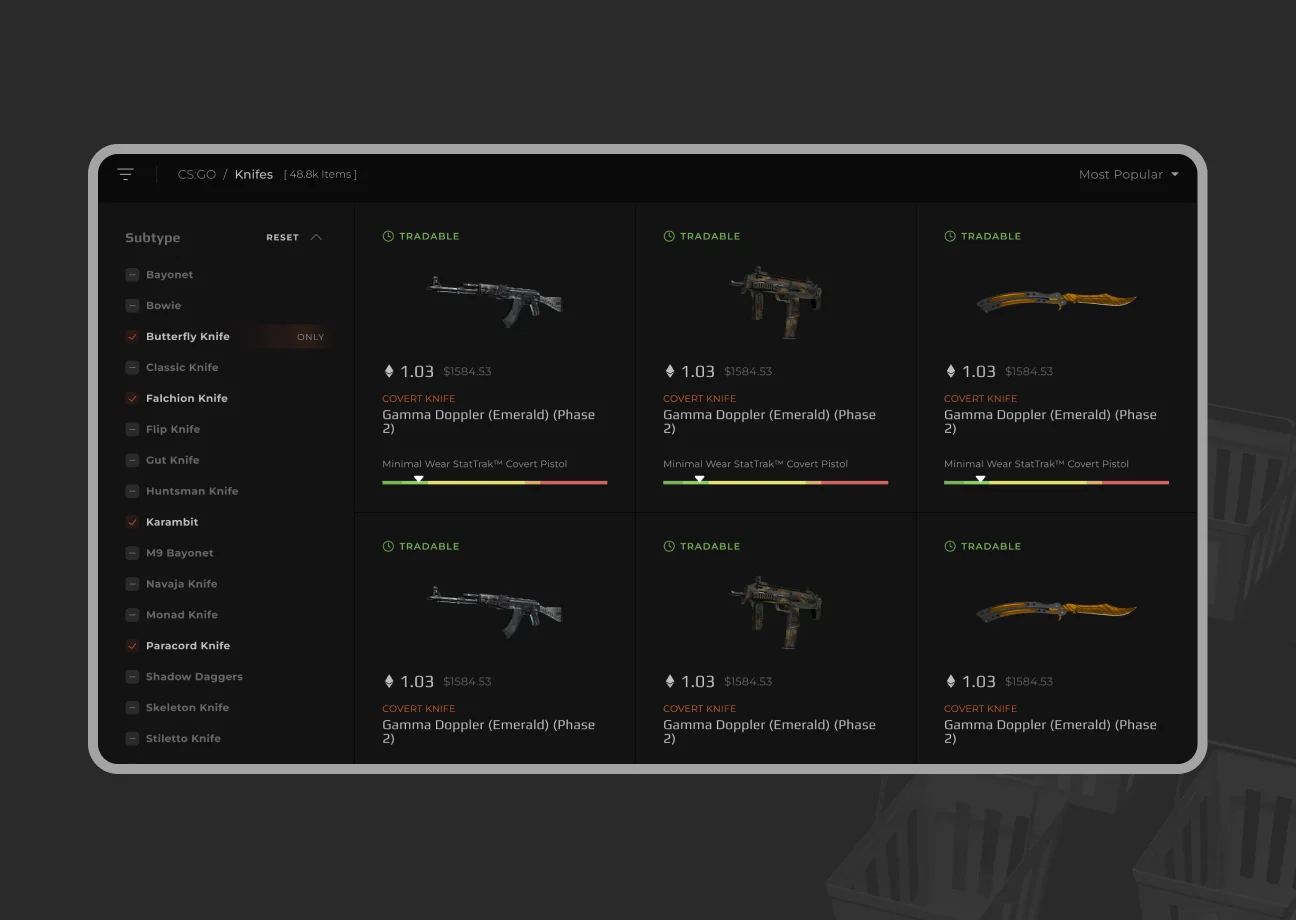
If you stock a wide range of products, filtering and sorting are a must, and they need to be obvious to the visitor. Don't hide filters behind tiny buttons or multi-level menus. Make filter options (price, size, color, brand, etc.) prominent on category pages, typically in a sidebar or top navigation on mobile. Users who can't find what they need quickly will bounce.
3. Show Product Options as Buttons
Never make shoppers dig for key choices like size, color, or quantity. When product options like clothing sizes or colors sit inside a dropdown, most users skip past them.
They click “Add to Cart” without realizing they had to select a size, hit an error message, and abandon the flow. It's worse when a customer opens a size dropdown and finds their size is out of stock.
Buttons make this easier. Small/medium/large buttons, or color swatches for color choices, tell visitors instantly what's available. It speeds up decisions and cuts errors. In your redesign, use visual selection tools: clickable buttons, color thumbnails, or icon toggles. It's a small change that reduces frustration and shortens the path to checkout.
4. Add Payment Wallets
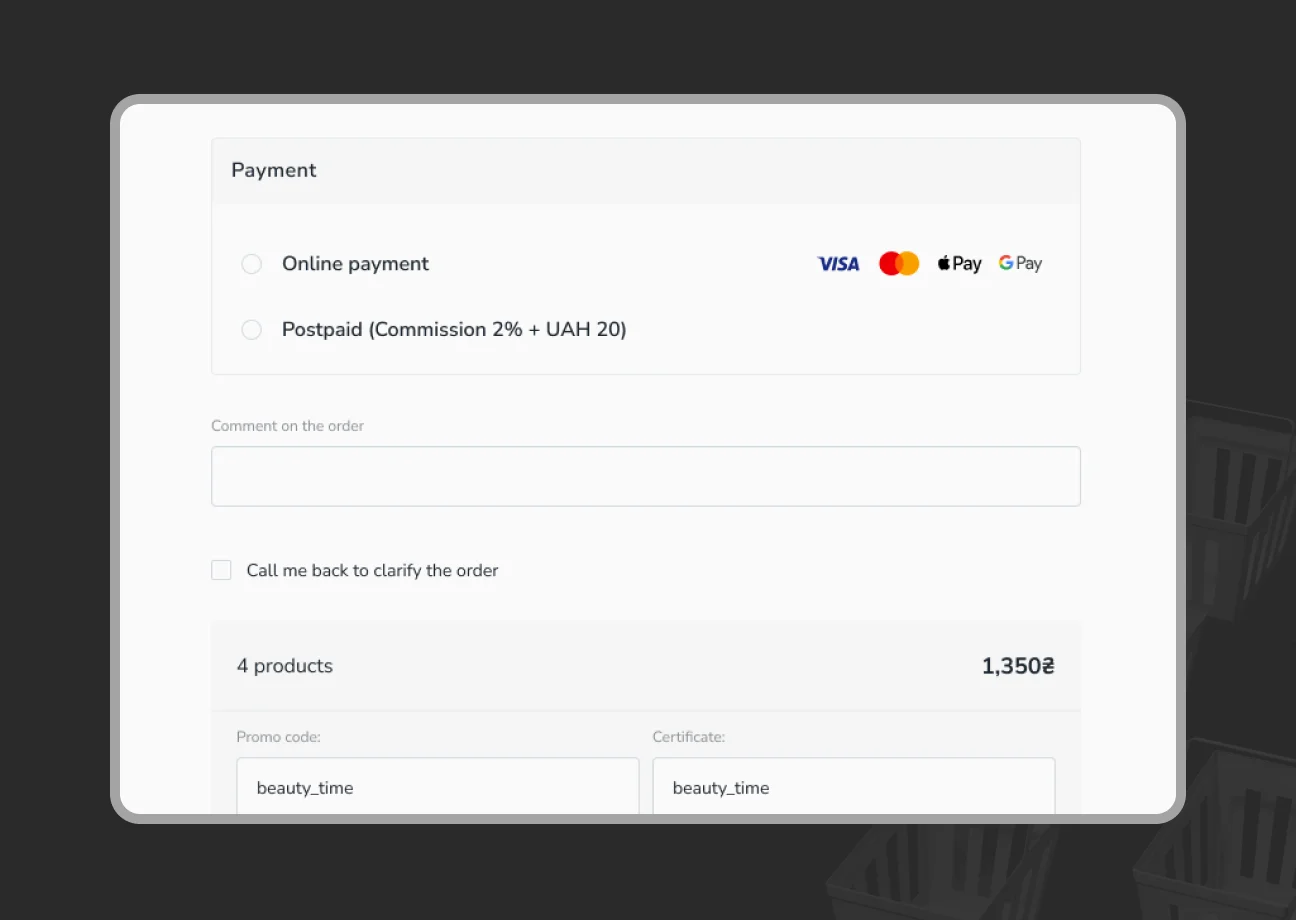
Speed up checkout with one-click payment options. Digital wallets like Apple Pay, Google Pay, Amazon Pay, or PayPal let customers, especially on mobile, skip filling out forms and pay with a fingerprint or face ID. It's not just a nice-to-have. It directly affects your conversion rate.
Wallets also come with built-in security features like tokenization, which can reassure customers about payment security. Offering reliable payment methods tells users your site is trustworthy and customer-focused.
5. Use Neutral Colors in the Background
Small design choices add up. One is using neutral background colors on product lists and product detail pages. A neutral background, in white, light gray, or beige, lets your calls-to-action and product photos stand out.
Bright or harsh background colors cause visual fatigue for shoppers browsing multiple products. Neutral backgrounds also read as more professional and credible, which puts customers at ease while they shop.
6. Add Trust Signals
Trust matters online. If a shopper doesn't feel safe on your site, they won't buy. Highlight trust indicators throughout your redesign:
- Security badges (SSL certificates, “Secure Checkout” seals, logos like Norton Secured or McAfee on your checkout page);
- Payment icons (Visa, Mastercard, PayPal, etc.);
- Money-back guarantees or a plain-language return policy;
- Customer reviews and testimonials.
Use social proof too: show product ratings and reviews on product pages, and highlight testimonials or logos of brands you've worked with. Seeing that other customers had a good experience, or that your site is security-approved, gives new users the confidence to click “Buy Now.”
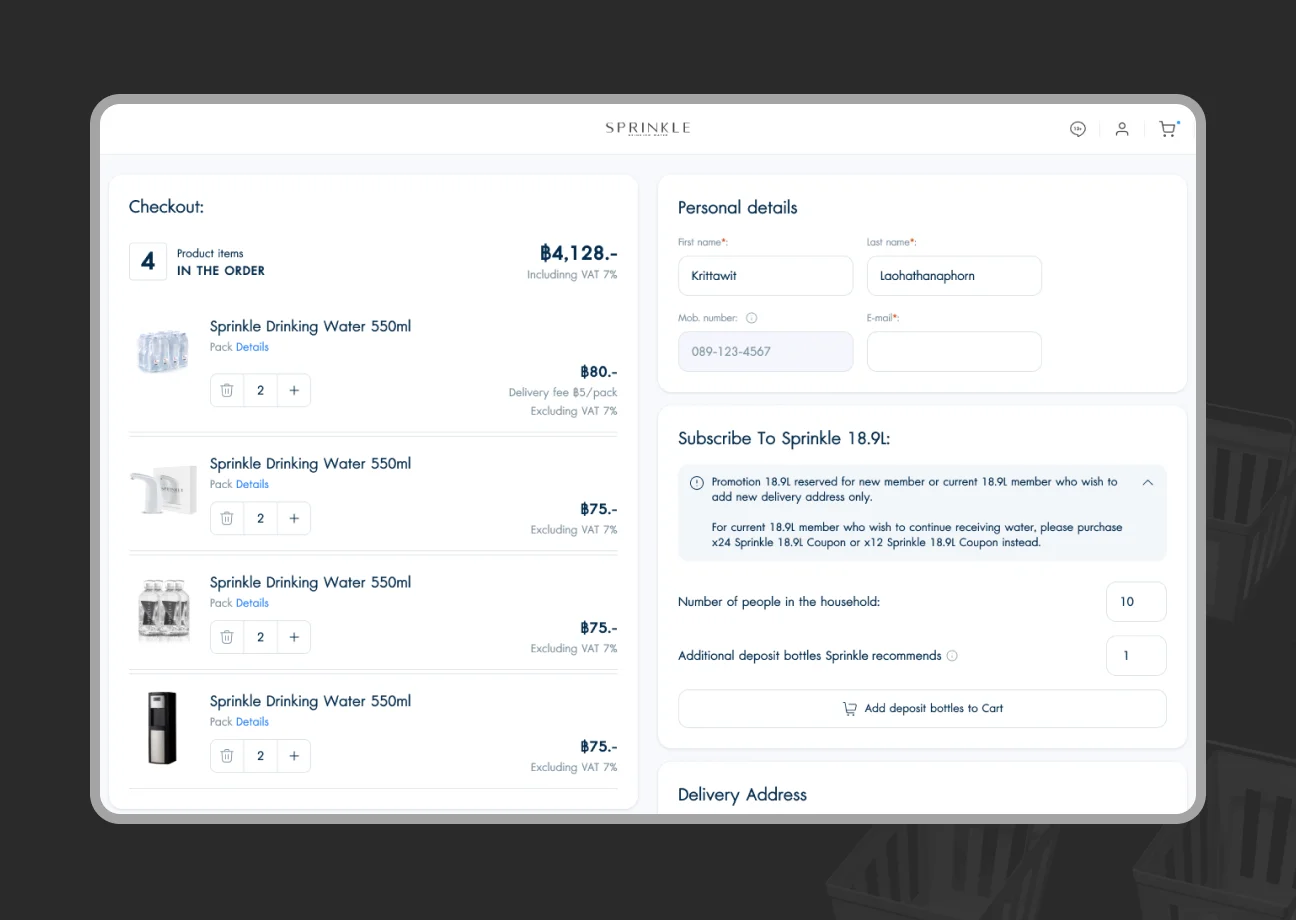
7. Optimize the Checkout Page
No redesign guide is complete without checkout, the last and most important step in turning a shopper into a customer. If there's one place to focus your UX work, it's here. A long or confusing checkout is the number one cart killer.
Offer a guest checkout option; forcing account creation turns off many shoppers. Ask only for the information needed to complete the purchase. Break the process into clear steps (Shipping → Payment → Review) so customers can see how close they are to finishing.
Add address autofill and clear validation error messages to cut down on typing. Carry cart contents and promo codes over into checkout automatically. Don't make shoppers re-enter everything.
How Much Does a Website Redesign Cost in 2026
The answer depends on the scope of the project, but here are typical ranges. In the US market, a website redesign costs anywhere from roughly $2,000 to $80,000 or more.
Redesign Scope | Price Range | Typical Site |
| Basic | $2,000–$5,000 | 5–10 pages, visual refresh only |
| Intermediate | $5,000–$15,000 | 10–50 pages, full UI/UX overhaul |
| Advanced | $15,000–$50,000 | 50+ pages or many products, new features |
| Enterprise | $50,000+ | Major platform, full re-engineering |
Basic Redesign: $2,000–$5,000
A small site (5–10 pages) gets a minor facelift: refreshed visuals and an updated homepage layout, with no major new features. Good fit for simple sites that just need a modern look.
Intermediate Redesign: $5,000–$15,000
A medium site (10–50 pages) gets a full UI/UX redesign, improved layouts, and better mobile responsiveness, plus possibly a new blog or form.
Advanced Redesign: $15,000–$50,000
A large site or e-commerce store (50+ pages or many products) gets a full redesign: custom graphics, UX improvements, and new e-commerce features or integrations like advanced search, product filtering, and API connections.
Enterprise Redesign: $50,000+
A major platform or high-traffic e-commerce site gets an end-to-end redesign and re-engineering: advanced interactive design, CRM/ERP integrations, extensive testing, SEO migration, and ongoing support.
In a B2B website redesign, product catalog size counts.
Reworking a 20-product boutique site is very different from a 5,000-product multi-vendor marketplace. Trends like AI in e-commerce also affect the price tag. If you're unsure what your project will cost, SapientPro offers audits and consultations to help you scope it.
E-Commerce Website Redesign Checklist 2026
Use this website redesign checklist to make sure you cover every step and don't miss the details that matter.
# | Step |
1 | Perform a UX/UI Audit |
2 | Collect User Feedback & Analytics |
3 | Establish Goals and KPIs |
4 | Benchmark Competitors & Trends |
5 | Inventory Your Content & Assets |
6 | Plan Site Structure & SEO Preservation |
7 | Design Wireframes & Mockups |
8 | Front-End Development |
9 | Back-End Integration |
10 | Content Migration |
11 | Quality Assurance Testing |
1. Perform a UX/UI Audit
Evaluate your current site's user experience and design. Identify pain points, areas that need updating, and technical issues.
2. Collect User Feedback & Analytics
Find out where users get stuck and what they wish the site could do. Review your analytics too: bounce and exit rates, cart abandonment, and slow-loading pages all point to redesign priorities.
3. Establish Goals and KPIs
Set what you want the redesign to achieve: a higher conversion rate, a lower bounce rate, better mobile engagement, or a stronger brand.
4. Benchmark Competitors & Trends
Note what you like and don't like about competitor sites. Most e-commerce sites today lean on personalization, like AI-driven product recommendations, so watch for that trend specifically.
5. Inventory Your Content & Assets
Identify what content still works, what needs refreshing, and what's obsolete. Gather assets like product images, videos, and graphics for the new design, and favor high quality and consistency.
6. Plan Site Structure & SEO Preservation
Map out a new sitemap and navigation. Note URL changes and set up 301 redirects from old URLs to new ones so you don't lose SEO rankings. Update your XML sitemap and keep an eye on Google Search Console for crawl errors after launch.
7. Design Wireframes & Mockups
Before coding, wireframe your key pages: homepage, category page, product page, cart. Use these low-fidelity sketches to lock in where elements go, then move to high-fidelity mockups with real branding and visuals.
8. Front-End Development
Build the new design in HTML/CSS/JS, or your e-commerce platform's theme template. Keep the code mobile-friendly, meet accessibility standards (alt tags, correct heading order), and optimize for performance (compressed images, minified code).
9. Back-End Integration
This covers your product database, payment gateways, and any plugins or apps for reviews, chat, or analytics. Confirm every integration, inventory management, CRM, email marketing, and so on, is connected and working on the new site.
10. Content Migration
Populate the new site with content. That might mean copying and pasting text and images, or migrating a database of thousands of product records. Watch for formatting issues, broken links, and misaligned images.
11. Quality Assurance Testing
Test, test, test. Check the new site across browsers (Chrome, Safari, Firefox, Edge) and devices (desktop, tablet, multiple phone sizes). Validate every link, confirm forms submit correctly, and check that interactive elements respond as expected.
Run the checkout flow through edge cases: invalid coupon codes, out-of-stock products, and full test orders. Check page load speed with a tool like Google PageSpeed Insights, and optimize any page that's slow.
Partner with SapientPro to Redesign Your E-Commerce Solution
SapientPro can be your website redesign partner.
With hands-on experience in website redesign services and UI/UX design, our team knows how to blend aesthetics with functionality to build online stores that engage and convert.
As a full-service website redesign company, SapientPro handles it all: strategy, e-commerce design, development, QA, SEO migration, and post-launch maintenance.
Ready to Redesign Your Online Store?
Tell us about your project and take the first step toward a site that converts.